
How To Boost Your SEO With YouTube Backlinks
If you’re serious about search engine optimization (SEO), you can’t afford to ignore YouTube anymore. With over 2.7 billion monthly users, YouTube is not just the world’s second-largest search engine—it’s also one of the most powerful backlink and brand visibility tools on the internet.
While most people use YouTube to build subscribers or monetize videos, savvy marketers know it’s also a goldmine for building high-quality backlinks, improving domain authority, and sending strong SEO signals to Google.
The best part? YouTube backlinks are free, scalable, and can drive both direct traffic and indirect SEO juice to your site—if you know how to use them right.
Let’s break down exactly how to use YouTube backlinks to give your SEO strategy a serious upgrade.
🔗 What Are YouTube Backlinks?
YouTube backlinks are hyperlinks from YouTube’s platform that point to your website, landing page, blog post, product, or any online asset you own. These links can appear in:
- Video descriptions
- Channel “About” section
- Comments (less effective but still relevant)
- Pinned comments (strategic placement)
- Cards and end screens (for verified sites)
- Community posts (for engaged audiences)
- YouTube Shorts (description and comments)
Even though most YouTube links are nofollow, they still offer major SEO value when used strategically.
💡 Are YouTube Backlinks Good for SEO?
Yes, YouTube backlinks absolutely help with SEO, even though they’re mostly nofollow.
Here’s how:
| Benefit | Description |
|---|---|
| Traffic Signals | Google sees visitors coming from YouTube as legit engagement. |
| Brand Awareness | Builds brand authority, which supports your E-E-A-T signals. |
| Social Proof | YouTube links show up in Google Search (video carousels, snippets). |
| Indexation | Google crawls YouTube constantly, and your site gets crawled more when linked. |
| CTR Boost | Higher click-through rates from YouTube → stronger SEO over time. |
So while you might not get “link juice” in the traditional sense, the indirect benefits of YouTube backlinks are powerful for growing your site’s visibility and rankings.
🎯 Where To Place SEO-Friendly Links on YouTube
1. Video Description Section
This is prime real estate. You can add multiple links here, but make sure the most important ones go near the top—before the “Show More” cut-off.
💡 Pro Tip: Use keyword-rich anchor text and include UTM parameters for tracking clicks in Google Analytics.
Example:
Learn more here ➡️ https://yourwebsite.com/ultimate-guide-to-seo (Free Guide)
2. Channel “About” Section
This is a static but valuable place to drop branded links. YouTube allows up to 5 external links here—visible on your channel header (great for branding and authority).
Include links to:
- Your homepage
- Blog
- Lead magnet or email signup
- Course/sales page
- Social profiles
3. Pinned Comments
After you upload a video, comment on it using your own account, drop a relevant link, and pin it to the top. Viewers often engage with the pinned comment, especially if it promises extra value.
4. Cards and End Screens
If your domain is verified through YouTube Studio, you can use Cards and End Screens to direct viewers off-platform. These are clickable and appear during or at the end of the video.
Use Cases:
- Drive traffic to a blog post mentioned in the video
- Offer a free resource (PDF, template)
- Promote a product or affiliate offer
5. YouTube Shorts (Description + Comments)
YouTube Shorts now show up in search results. Add a compelling description with links, and drop key links into your pinned comment too. Even one viral Short can bring hundreds or thousands of visits to your site.
6. Community Tab Links
Once your channel is eligible (500+ subscribers), the Community Tab becomes a goldmine for engagement and backlinks. You can link to new blog posts, landing pages, and offers.
🔍 Optimizing Your YouTube Backlinks for Maximum SEO Impact
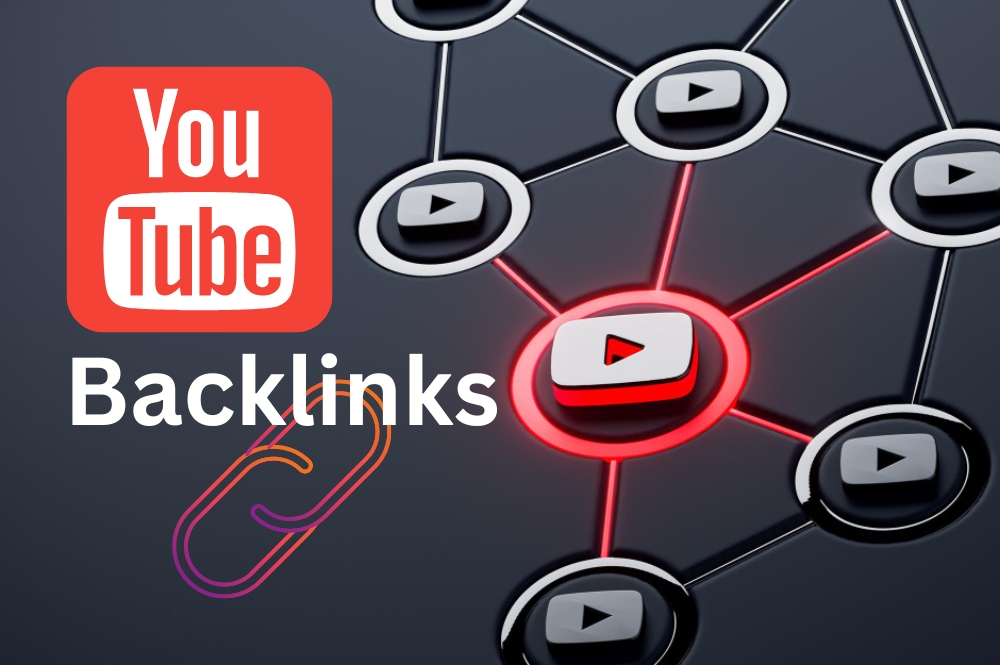
Getting links on YouTube is only half the job. To make them SEO-effective, you need to optimize them strategically.
✅ Use Clear CTAs (Calls to Action)
Don’t just paste links—tell people why they should click.
“Grab the full checklist here 👉 [link]”
“Watch the full tutorial on our blog ➡️ [link]”
✅ Include Keywords Near the Link
Google can’t “read” links the way humans do, so include keyword-rich text around your link. It helps with semantic relevance.
✅ Use Branded Short Links (Optional)
Services like Bitly or Rebrandly can help you track clicks while keeping your links clean. But only use shorteners if you’re not worried about link trust.
✅ Track Everything with UTM Parameters
Add UTM tags to track the exact traffic coming from YouTube in Google Analytics or GA4. This is crucial for ROI reporting.
🚀 Bonus: Link Building FROM YouTube (Off-Platform Strategy)
Don’t just link from YouTube—use your video content to earn backlinks from other websites too.
Here’s how:
📹 Step 1: Embed Your Videos in Blog Posts
When you create a video, embed it in a relevant blog post. This increases:
- Dwell time
- Engagement
- Chance of your post ranking higher (multimedia is rewarded in SEO)
📧 Step 2: Outreach to Bloggers and Niche Publishers
Offer your YouTube video as a free embedded asset to bloggers writing about similar topics. If it adds value, they may embed it in their article (with a backlink to your site).
📰 Step 3: Use HARO + Video Assets
When responding to Help A Reporter Out (HARO) queries, include links to relevant YouTube videos. It makes your pitch more credible and boosts your chance of getting a media mention—and backlink.
🧰 Step 4: Submit Your Channel to Directories
Some content directories and tools (like AllTop, Feedspot, or niche content aggregators) allow YouTube channels. These can become long-term sources of authoritative backlinks.
📊 Does YouTube Link Building Actually Work?

Yes, and here’s why:
- YouTube pages have very high domain authority (DA/DR 90+)
- Google indexes video content and YouTube links faster than most blogs
- Videos often outrank written content in search
- YouTube backlinks bring referral traffic, which lowers bounce rates
- Visitors from YouTube tend to stay longer and convert better
Even one high-performing video can drive:
- Organic traffic
- Backlinks from blogs and forums
- Social shares
- Email signups or purchases
🛠️ YouTube Backlink Strategy Template
Here’s a quick checklist you can follow every time you upload a video:
| Step | Task |
|---|---|
| ✅ | Add SEO-optimized title and description |
| ✅ | Place your main website/blog link in the first 2 lines |
| ✅ | Add relevant links in the rest of the description |
| ✅ | Use UTM parameters to track traffic |
| ✅ | Pin a comment with a CTA and link |
| ✅ | Embed the video on a blog or guest post |
| ✅ | Share the video in your email list and on social |
| ✅ | Include video links in HARO or PR outreach |
Repeat this process for every video, and over time, your YouTube presence will become an SEO traffic engine.
❓ Frequently Asked Questions (FAQs)
Q1: Are YouTube backlinks dofollow or nofollow?
Most YouTube backlinks are nofollow, meaning they don’t pass PageRank. But that doesn’t mean they’re useless—they still improve SEO through traffic, brand signals, and visibility.
Q2: Can YouTube backlinks improve my Google rankings?
Yes. YouTube links improve user engagement, referral traffic, and crawl frequency, which indirectly boosts your rankings. It’s part of a holistic SEO strategy.
Q3: How many links should I put in my video description?
Stick to 3–5 relevant, helpful links. Too many can feel spammy, and only the top 2–3 are usually seen before the viewer has to click “Show More.”
Q4: Should I use affiliate links in YouTube descriptions?
Yes, but disclose them properly and mix them with editorial/educational links. Affiliate links can be profitable, but your content must remain valuable.
Q5: Does embedding YouTube videos in blogs help SEO?
Absolutely. Embedding videos increases time on page, reduces bounce rate, and signals multimedia content quality—all of which support SEO.
Q6: Can small channels benefit from YouTube backlinks?
Definitely. Even small channels can drive targeted traffic to niche websites. Focus on quality content, CTAs, and consistent optimization.
🧭 Final Thoughts: YouTube is an Untapped SEO Goldmine
If you’re not building backlinks through YouTube, you’re leaving major SEO opportunities on the table.
By consistently:
- Posting content
- Adding smart backlinks
- Embedding your videos
- Promoting them strategically
You can build a passive traffic machine that drives results long after you hit “Publish.”
So start treating YouTube not just as a video platform—but as a strategic backlink source in your overall SEO toolkit.
Would you like a free YouTube video description template or backlink tracking spreadsheet? Let me know—I’d be happy to share!